Qbet App: latest version with bonuses for UK players

The Qbet app gives UK customers mobile access to casino games, live tables, sports betting, promotions, deposits, withdrawals and account tools. Android users can install Qbet through Google Play or an APK, while iPhone and iPad users can download it through the App Store. Mobile browser access is also available without installation.

The same mobile account covers casino and sportsbook activity, so existing balances, rewards and transaction history remain available when moving between desktop and mobile access.

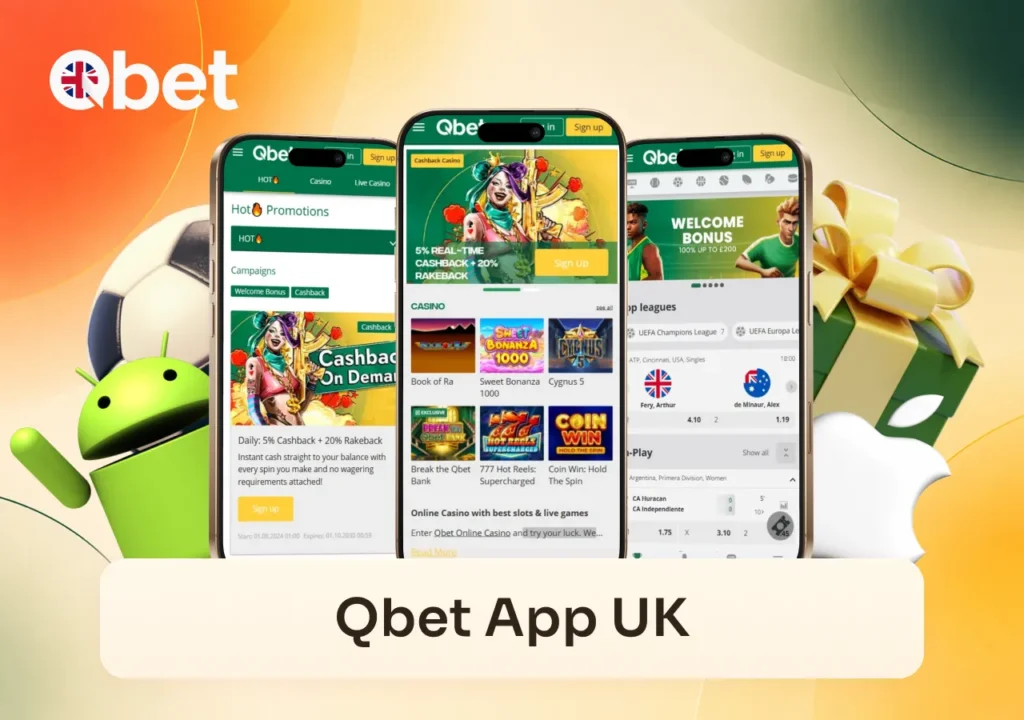
Qbet Casino app displays the home screen, casino slots and sports betting across three phones.

Download the Qbet App

There are three main ways to access Qbet on a mobile device in the UK:

  • Android: Google Play or direct APK installation.
  • iPhone and iPad: App Store.
  • Without installation: mobile browser.

Google Play and the App Store handle installation and store-based updates. Android users can also download the APK directly for a manual installation.

Qbet App Device Requirements

Requirements differ between Android and iOS devices.

PlatformRequirementAdditional requirements
iPhone / iPadiOS 12 or higherActive Apple ID, internet connection and free storage
AndroidAndroid 6.0 or higherAt least 2 GB RAM and about 100 MB free storage
Mobile browserCurrent browserInternet connection; no app installation

Android devices using the Google Play route also need support for standard Google services.

Qbet App for Android

The Android Qbet app can be installed through Google Play or with a direct APK. Both routes install the mobile client, but installation and updates work differently.

For the store version, open Google Play, search for Qbet and start the installation from the application page. Google Play manages compatibility checks and later updates.

The APK is available through the Qbet App section for users who prefer a manual Android installation.
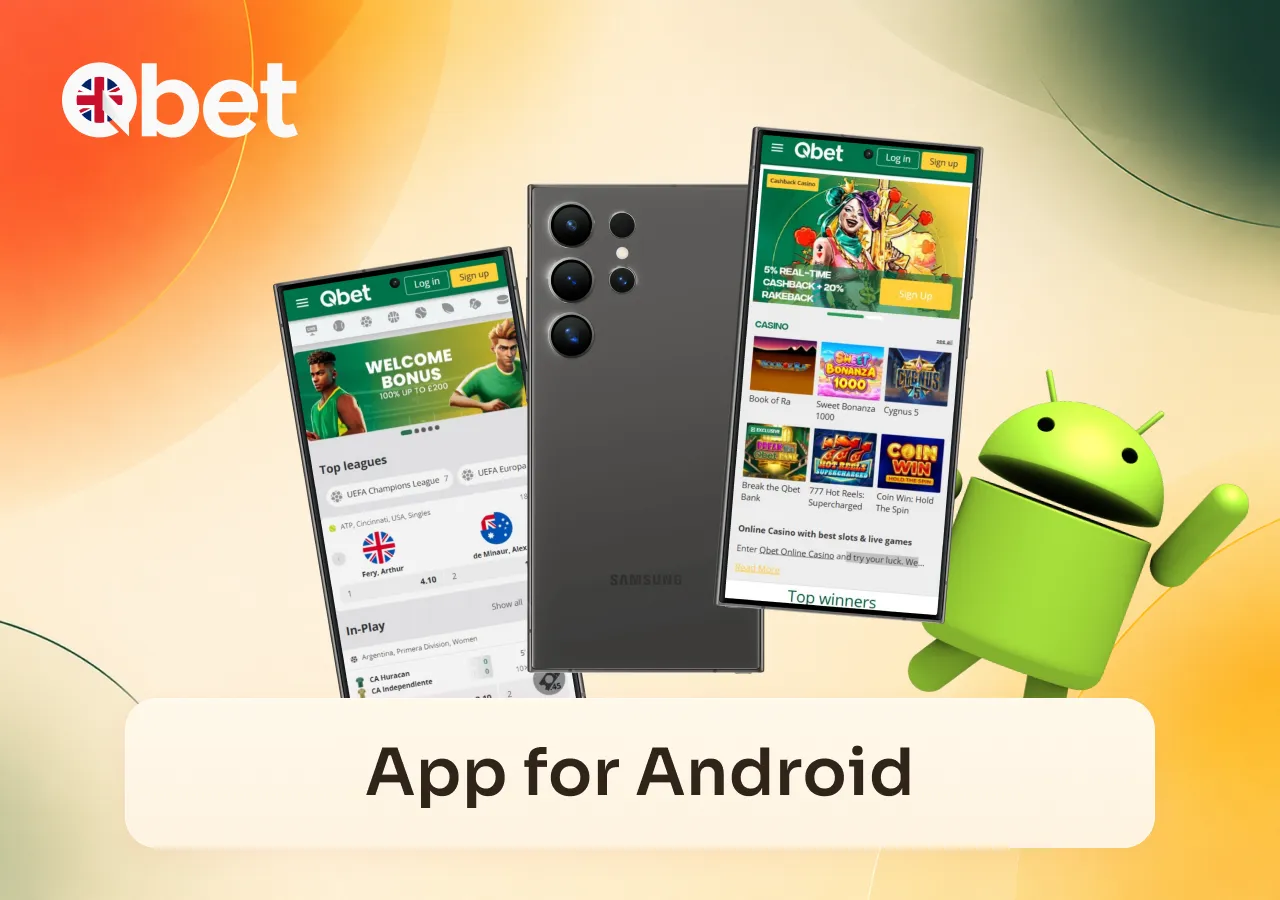
The Qbet Casino app adapts to Android devices with casino and sports betting screens.

How to Install the Qbet APK

To install the Android package:

  1. Open Qbet on your Android phone or tablet.
  2. Go to the App section and select the APK download.
  3. Save the installer to your device.
  4. Open the downloaded APK.
  5. Allow installation for the browser or file manager if Android requests permission.
  6. Complete the installation.
  7. Open Qbet and sign in or register.

Android may temporarily require permission to install applications outside Google Play. After installation, that permission can be disabled again if it is no longer needed.

Download the APK through the Qbet App section and review the permissions requested during setup. Stop the installation if a permission does not correspond to the functions you intend to use.

Qbet App for iPhone and iPad

The iOS Qbet app is installed through the App Store.

To install Qbet on an iPhone or iPad:

  1. Open the App Store.
  2. Search for Qbet.
  3. Open the application page.
  4. Start the download.
  5. Confirm the installation with Face ID, Touch ID or your Apple ID password.
  6. Wait for the app to install.
  7. Open Qbet and sign in or register.

After installation, Face ID or Touch ID can be enabled for biometric login on compatible devices. Your registered account details and any required verification remain linked to your Qbet account.

Safari access is separate from the App Store application and is covered below under mobile website access.

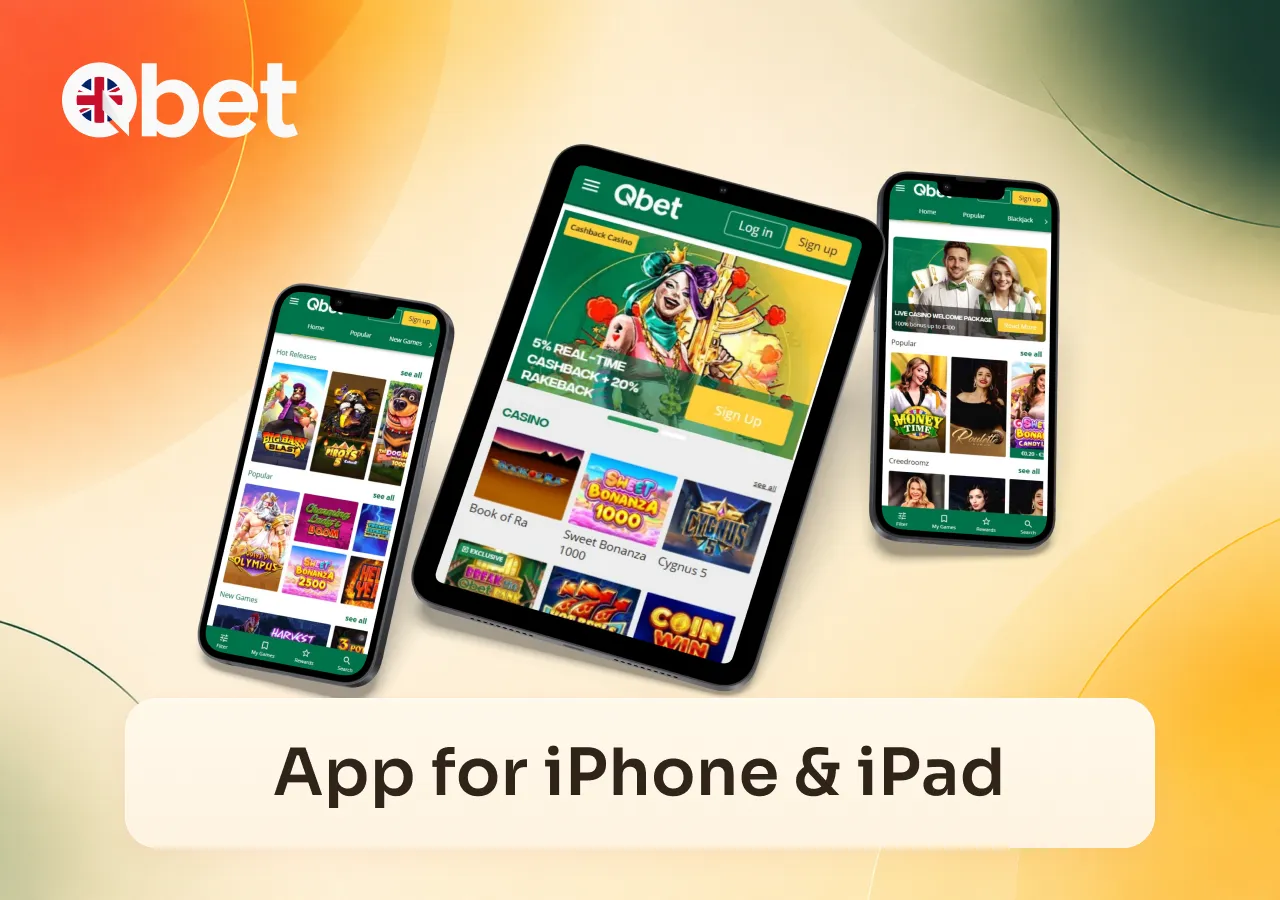
The app works across Apple devices, showing casino games, slots and live gaming on iPhone and iPad.

Qbet Login in the App

Your Qbet login uses the account details registered with us. You do not need to create another profile when moving between desktop and mobile access.

Enter your registered email and password to sign in. Your balance, personal details, promotions, transaction history and other account information remain connected to your profile, not to one device.

After five incorrect password attempts, the account is temporarily locked for five minutes. Wait until the lock ends before trying again, or use Forgot Password to reset your credentials.

Passwords should contain at least eight characters and combine uppercase and lowercase letters, numbers and special characters.

Keep your password and one-time verification codes private. Do not provide them to another person during an account, payment or technical-support issue.

Qbet Casino provides a mobile login screen for secure access to the betting account.

Casino and Sports Betting in the Qbet App

The Qbet app provides casino, live casino and sportsbook access through the mobile interface. Sports betting includes pre-match and Live Betting markets, with single bets and accumulators handled through the mobile bet slip.

Sports betting, casino slots and live casino games are available through the mobile app.
FeatureMobile access
Registration and Qbet loginCreate or access an account
Casino catalogueBrowse available games
SlotsOpen supported slot titles
Live casinoAccess available live tables
Arcade gamesOpen arcade titles
Sports bettingAccess pre-match and Live Betting markets
Bet slipPlace single bets and accumulators
PromotionsView available promotional sections
DepositsFund the account through the cashier
WithdrawalsRequest and review withdrawals
Personal accountManage profile information
Transaction historyReview account transactions
Live chatContact customer support

Bonus conditions do not change because an offer is accessed through the Qbet app. Casino, Live Casino and Sports Bonus funds remain subject to the conditions attached to the relevant promotion.

The cashier and transaction history are also available through mobile access, so deposits, withdrawal requests and previous transactions can be managed from a phone or tablet.

Qbet App vs Mobile Website

You do not have to install an application to use Qbet on a phone or tablet.

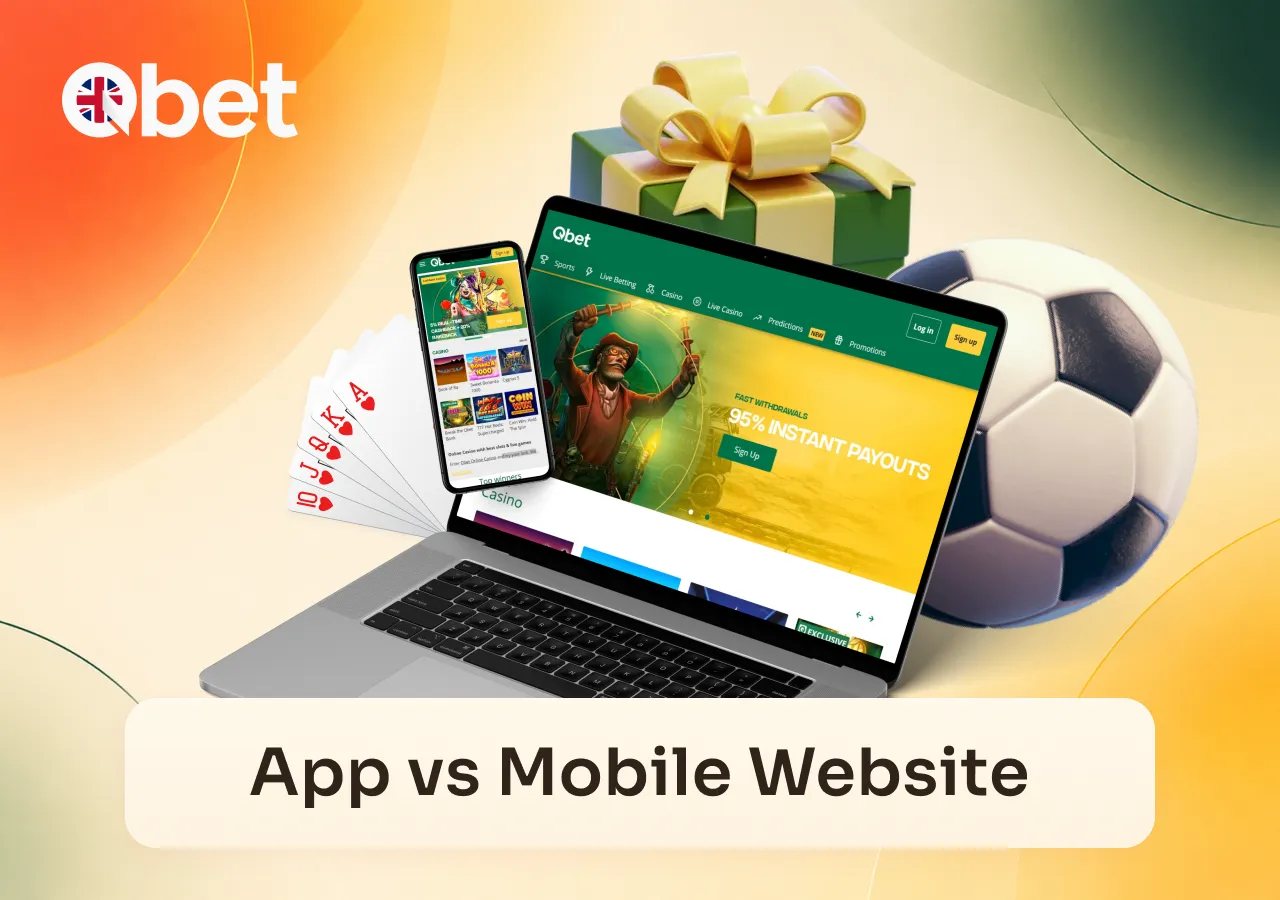
The casino app and mobile version show the same homepage across a laptop and smartphone.
Access methodInstallationUpdates
Qbet mobile websiteNoWebsite version loads automatically
Safari home-screen shortcutNo separate appWebsite version loads automatically
App Store appYesManaged through App Store
Google Play appYesManaged through Google Play
Android APKYesManual update when required

The mobile website opens directly in a browser and provides casino, sportsbook and account access without installing another application.

On iPhone or iPad, Safari can also create a home-screen shortcut:

  1. Open Qbet in Safari.
  2. Select Share.
  3. Choose Add to Home Screen.
  4. Confirm the shortcut.

The resulting icon opens the mobile website. It is different from the iOS application installed through the App Store.

Android users can choose between the mobile website, Google Play and the direct APK route.

Updating the Qbet App

The update process depends on how Qbet was installed.

A Google Play installation is updated through Google Play, while the iOS version is updated through the App Store.

For a manually installed APK, return to the Qbet App section and download the current Android package when an update is required.

Browser and Safari shortcut access do not require a separate application update because the current website version loads when you open Qbet.

Problems With the Qbet App

The table below covers the main installation, login and loading problems.

A mobile error screen highlights potential issues when using the casino betting app.
ProblemWhat to checkNext step
App will not installDevice requirements and available storageCheck the requirements above
APK will not openInstallation permission and installer fileAllow the installer temporarily and reopen the APK
Qbet login is lockedFailed password attemptsWait 5 minutes or use Forgot Password
Page or game is stuckCached browser or app sessionClear cache and restart the session
Cashier does not openCurrent session and access methodRetry through mobile web or contact support

Qbet App Will Not Install

First check that the device meets the requirements listed above and has enough free storage.

For Google Play, confirm that Google services are available on the device. For an APK installation, check that Android has granted installation permission to the browser or file manager opening the package. If the APK itself will not open, download a fresh copy through the Qbet App section.

A Game or Page Is Stuck

If a game round or page stops loading, restart the session. Clearing cached data and cookies can help when saved browser or game data prevents the page from loading correctly.

If a completed round appears to be missing winnings after the session is restarted, contact support and provide the game name, stake and approximate time of the affected round so it can be checked.

The Cashier Does Not Open

Close the current cashier session and open it again through the account navigation.

If the problem occurs only in the installed application, sign in through the Qbet mobile website and check whether the cashier opens there.

If neither route works, contact support with the error details and the transaction you were trying to complete. Do not repeatedly submit the same deposit or withdrawal while the status of an earlier transaction is unclear.

Qbet App FAQ

  • Does uninstalling the Qbet app delete my account or balance?
    No. Your balance, transaction history and account information are linked to your Qbet profile, not to the installed application. Reinstalling the app does not require creating a new account.
  • Can I switch from the Qbet APK to the Google Play version?
    Yes. Both installation methods use the same registered Qbet account. After installing the Google Play version, sign in with your existing email address and password instead of registering again.
  • Can I use the Qbet app over mobile data instead of Wi-Fi?
    Yes. The Qbet app can use a mobile internet connection as well as Wi-Fi. A stable connection is required for casino games, live tables, sports betting, payments and account access.
  • Can I use the mobile website if the installed Qbet app is not working?
    Yes. Mobile browser access is available separately from the installed Android or iOS application. It can be used as an alternative access method when an installed app session is not working correctly.
  • What should I do if the Qbet app asks me to install an update before login?
    Update the app through the same installation route you normally use. Google Play installations are updated through Google Play, iOS installations through the App Store, and manually installed APK versions through the current package in the Qbet App section.